improved
Amp360
Customer 360 Tab
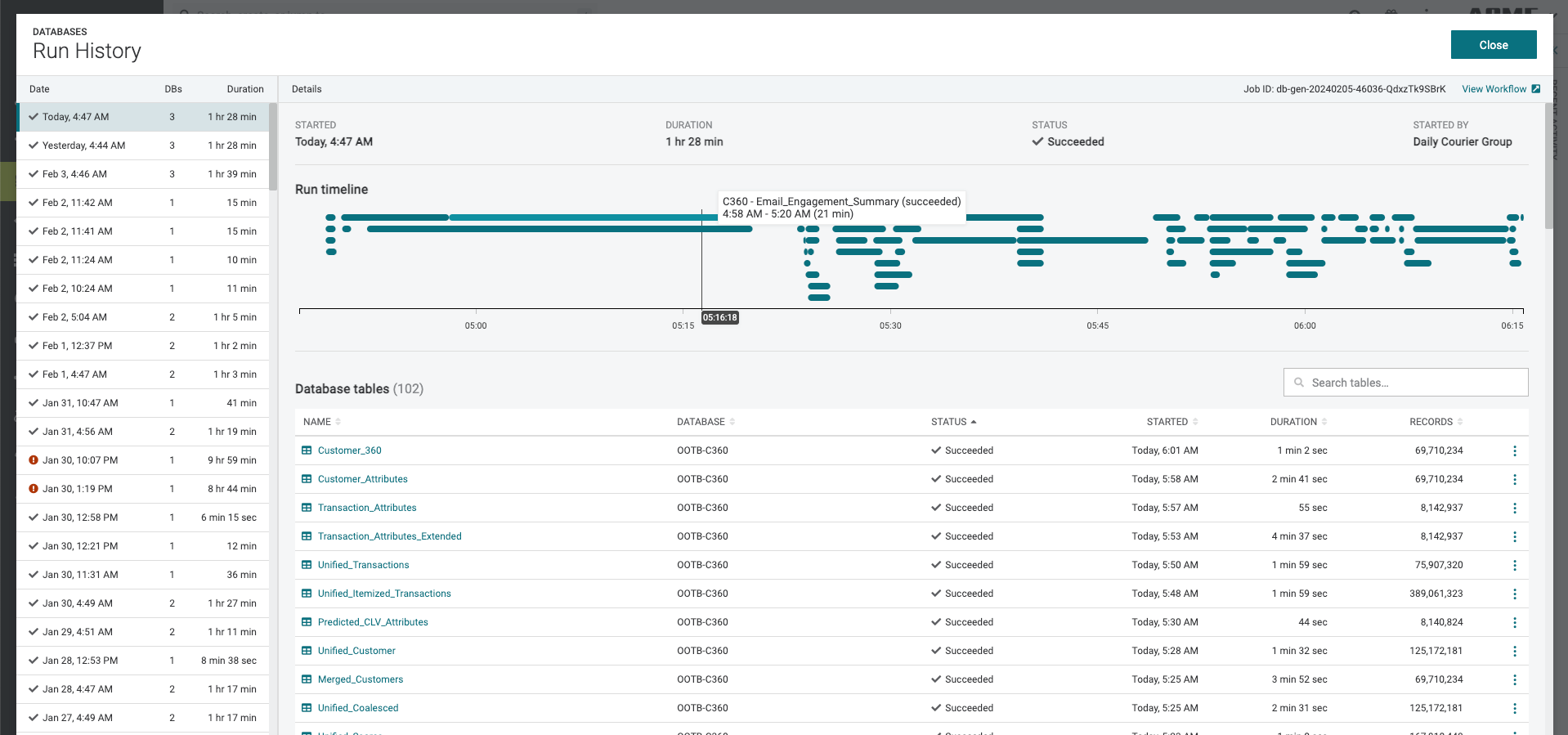
C360 | Visual Database Run History Timeline
You can proactively catch issues by visually tracking runtimes in the run history timeline at the top of the "Databases --> Run History" page. It shows you how long each of your tables took to run and allows you to see the trend over time for records and runtime of each table. This allows you to pinpoint looming reliability issues caused by too much data or too long runtimes for tables.
To access, navigate to
Customer 360 --> Databases
. Select the option menu
next to any database and select View run history
. You will see the Run Timeline
at the top of every page, which you can hover over to get more details.